![[personal profile]](https://www.dreamwidth.org/img/silk/identity/user.png)
If you want to know what that is about, the whole cracktastic thing started here.
I had this layout done (but without the profile layout and icon) last year. Don't remember why I didn't post it then. Anyway, better late than never!

I had this layout done (but without the profile layout and icon) last year. Don't remember why I didn't post it then. Anyway, better late than never!
| Merry AntiChristmas |
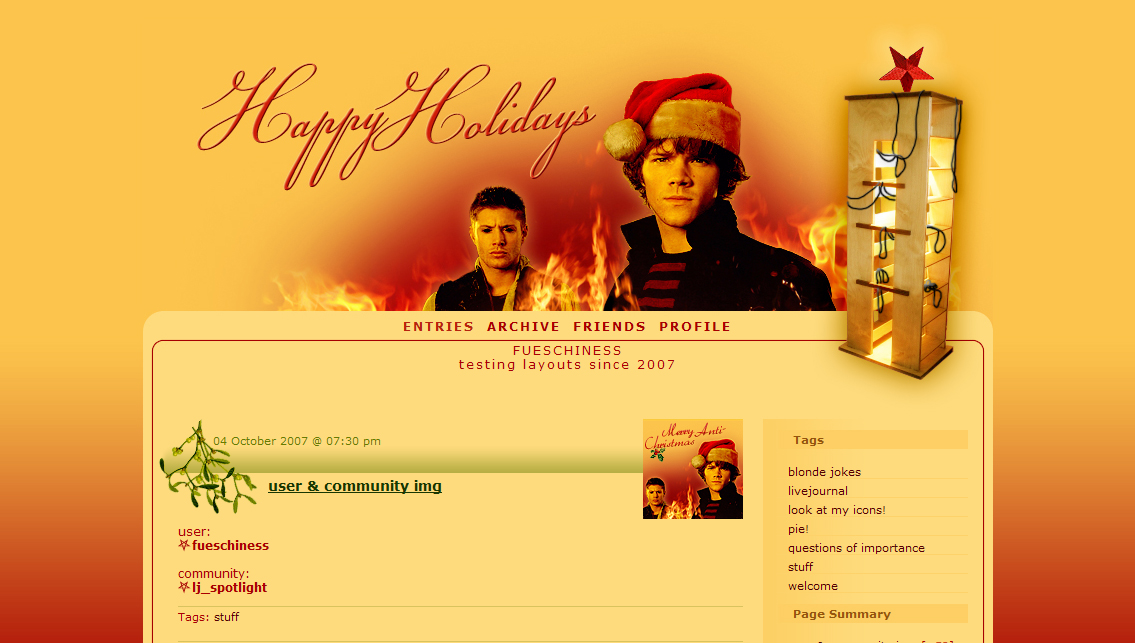 |
| info |
| based on Flexible Squares works for all account types tested in Internet Explorer 6 and Firefox 2 |
| how to |
Go to the Customize Journal page. Make sure Style System is S2. Choose the Flexible Squares layout. Go to Custom CSS » Use layout's stylesheet(s): No » Use layout's stylesheet(s) when including custom external stylesheet: No » Use external stylesheets: No insert custom stylesheet The ads of a plus account take their color from the Custom Options. If you want to adjust the colors, go to Style and change Page - Background color of the outer table and Entries - Border color of the content and header/footer boxes. |
 | ||
| This profile layout has a fixed width, changing the width would mess up the layout. And of course you get a profile layout too. Go to Edit Profile and insert the code into the Bio part. To copy the code click in the text area and then press Ctrl+A & Ctrl+C. You don't have to use the lj-raw tags. With them you can only make line breaks/new paragraphs with <br> and <p>. Without the lj-raw tags you can also create line breaks and new paragraphs just by hitting the enter key. If you want to change the link color, put a font tag with a different color in your link. Like so: <a href="URL"><font color="#530000">LINK TEXT</font></a> | ||
 | ||
2 comments | Leave a comment