![[personal profile]](https://www.dreamwidth.org/img/silk/identity/user.png)
![[identity profile]](https://www.dreamwidth.org/img/silk/identity/openid.png)
First I couldn't decide which layout to finish this month. Then I decided on a layout, but didn't like what I was turning it into, so I gave up on it for the moment. I wasn't in the mood for any of my other unfinished layouts, so I just started a new one (Which is not the point of this exercise, dammit! Not exactly, at least.). And this is how I finally made my first Muse layout.
| SpiderDom |
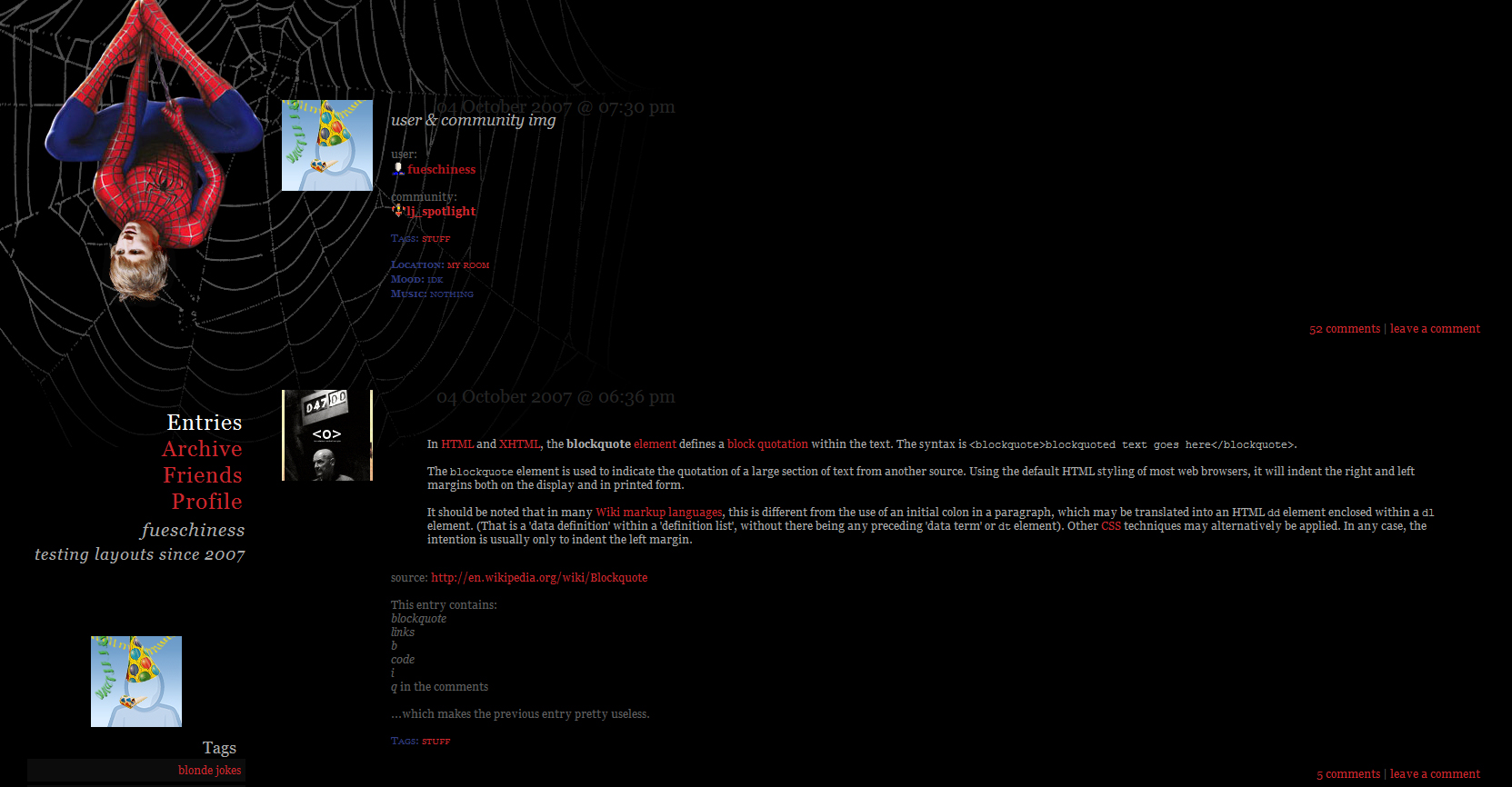 Click here for live preview, then click on the layout's icon. |
| info |
| Based on Flexible Squares. Works for all account types. Tested in Firefox 3 and Google Chrome 9. Also tested in Internet Explorer 8, but that bastard is being uncooperative again: the entire left side unclickable! Hpmh. |
| how to |
Go to the Customize Journal page. Make sure Style System is S2. Choose the Flexible Squares layout. Go to Custom CSS » Use layout's stylesheet(s): No » Use layout's stylesheet(s) when including custom external stylesheet: No » Use external stylesheets: No insert custom stylesheet The ads of a plus account take their color from the Custom Options. If you want to adjust the colors, go to Style and change Page - Background color of the outer table and Entries - Border color of the content and header/footer boxes. |
1 comment | Leave a comment