![[personal profile]](https://www.dreamwidth.org/img/silk/identity/user.png)
I finally did it! I took a screenshot of the wallpaper and turned it into a tileable background. And the result is better than I expected it to be, woot! If you just want the background, take it. Maybe credit. But if you take the whole layout, you get the holey smily smiling at you!
| The Wall Had It Coming | |
| preview | 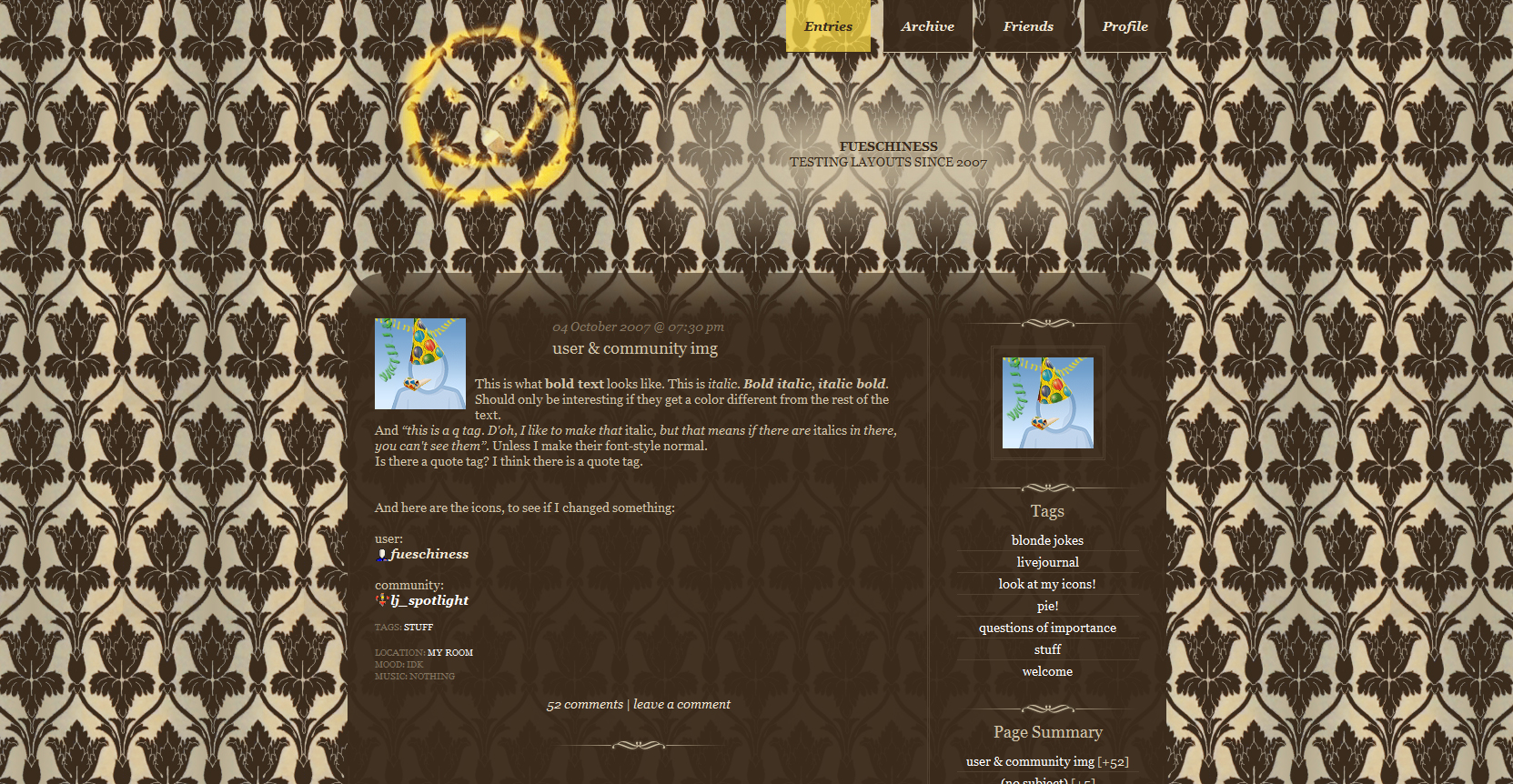 Click here for live preview, then click on the layout's icon. |
| layout info | Based on Flexible Squares. Works for all account types. Tested in Firefox 7, Google Chrome 14 and Internet Explorer 8. The content width is fixed, but maincontent and sidebar are flexible. |
| how to implement this layout | Go to the Customize Journal page. Make sure Style System is S2. Choose the Flexible Squares layout. Go to Custom CSS » Use layout's stylesheet(s): No » Use layout's stylesheet(s) when including custom external stylesheet: No » Use external stylesheets: No insert custom stylesheet ETA: Now also with beige content background! |
 |
||||
 |
 |
|||
| This profile layout's width is flexible. Minimum width is 423px. You can use http://fatfrog.info/Ma/A/layout/wallhaditcoming/separator.png as a divider.  Go to Edit Profile and insert the code into the Bio part. To copy the code, click in the text area and then press Ctrl+A and Ctrl+C. You don't have to use the lj-raw tags. With them you can only make line breaks/new paragraphs with <br> and <p>. Without the lj-raw tags you can also create line breaks and new paragraphs just by hitting the enter key. If you want to change the link color, put a font tag with a different color in your link. Like so: <a href="URL"><font color="#FFFFFF">LINK TEXT</font></a> |
||||
 |
 |
|||

47 comments | Leave a comment